

Water-Leak Detectors: Wi-Fi Alerts, Gateways & Which Type to Buy
- November 8, 2026
- Buying Guides
A water-leak detector can tell you that water has reached a sensor beneath a sink, beside a washing machine or near another... Read More
 by HVA Team
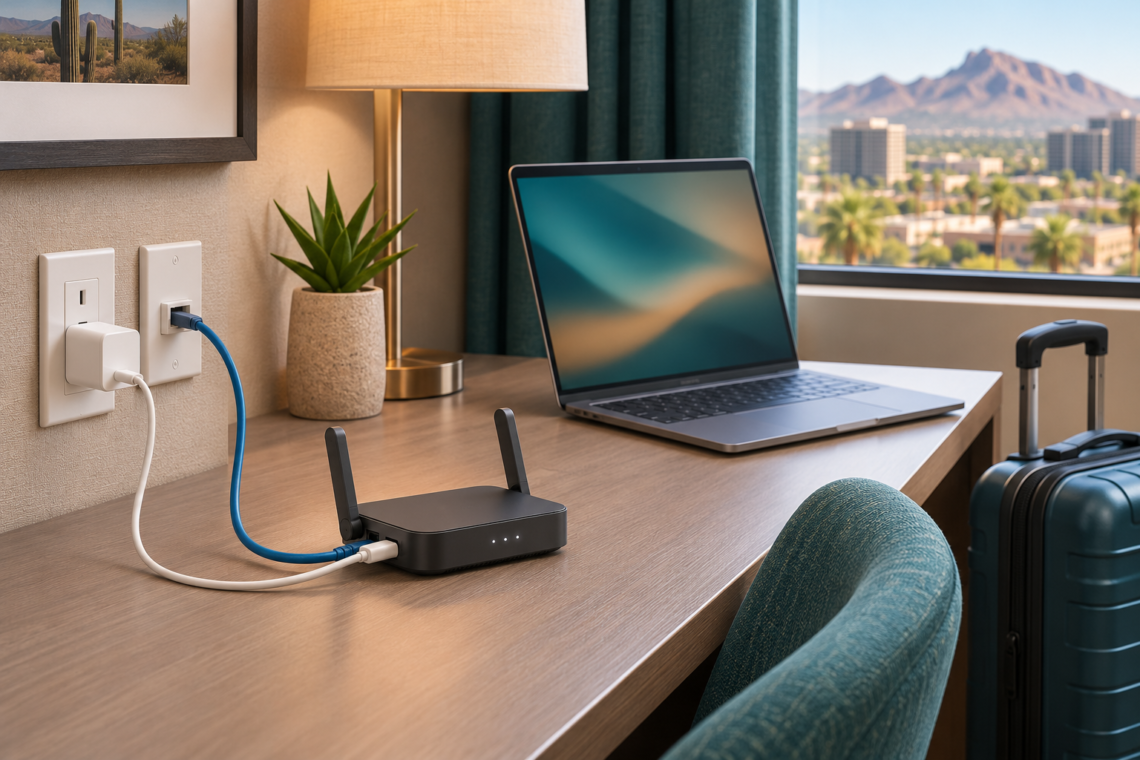
A travel router can give your laptop, phone and other devices one familiar Wi-Fi network as you move between hotels or temporary accommodation. Its usefulness depends on the connection available: hotel Wi-Fi, an active Ethernet socket or a compatible tethered phone.
It does not create internet access by itself. It also cannot turn a congested hotel connection into fast broadband. Before choosing a model, identify whether your problem is connecting several devices, completing a hotel login, using Ethernet or obtaining an independent internet connection.
Affiliate disclosure: As an Amazon Associate, we earn from qualifying purchases. This guide contains affiliate links.
Quick answer: Start by comparing the GL.iNet Beryl AX GL-MT3000 and TP-Link TL-WR1502X for sharing an available hotel connection. Consider the GL.iNet Slate 7 GL-BE3600 only if its touchscreen or faster wired ports address a specific need.
If your phone and laptop already connect reliably and you do not need a separate local network, you may not need to buy a travel router.
How this guide was prepared: This is a research-based comparison using manufacturer specifications, setup documentation and identifiable product listings. We have not tested these routers in hotels or independently measured coverage, throughput, VPN performance or compatibility.
You can give the travel router its own network name and password, then connect your personal devices to it. At the next property, you configure the router’s upstream connection instead of entering new accommodation Wi-Fi details on every device.
This is most useful when you travel repeatedly with several devices. For a short stay with one phone, the extra hardware and setup may offer little benefit.
Some hotel networks require a room number, voucher or acceptance of terms on a web page. This is called a captive portal. A router with a documented login procedure can help you establish the upstream connection before using devices that handle browser logins poorly.
Compatibility is not universal. The property’s authentication system and network rules still apply.
If the property provides a working, authorized Ethernet socket, a travel router can use it to create your local Wi-Fi network. A cable between your laptop and the router is also useful when the laptop needs a wired connection.
These are separate links. A laptop connected by cable to a router that receives hotel Wi-Fi still depends on that wireless hotel connection.
Need internet independent of the property? A mobile hotspot or cellular router with a suitable service plan addresses that problem. The three travel routers below do not contain an integrated cellular modem.
Compatible phone tethering or an external modem can provide an upstream connection, but requires separate equipment, coverage and an appropriate data plan.
This shortlist covers two Wi-Fi 6 options and one Wi-Fi 7 option with additional hardware features. It is a buying comparison, not a claim that these are the only worthwhile routers available.
The Beryl AX is a starting point for buyers who want Wi-Fi sharing with room to configure VPN connections and other network settings. GL.iNet documents Ethernet, repeater and compatible tethering connections.
Why consider it: Its OpenWrt-based interface and documented OpenVPN and WireGuard support suit someone willing to configure a reusable travel setup.
Main tradeoff: Extra controls are useful only if you will use them. It also has just one LAN port, so several wired devices require additional equipment.
Choose it if: You want configuration flexibility rather than a touchscreen. Compare its current complete package price with the TP-Link option.
Check the Beryl AX GL-MT3000 on Amazon
Confirm GL-MT3000. Beryl AX and Beryl 7 are different models.
The TL-WR1502X is worth comparing if you prefer TP-Link’s Tether app and setup process. Its operating modes include hotspot sharing and wired-network use.
Why consider it: TP-Link provides model-specific instructions for completing a hotel captive-portal login during setup. That is more relevant to a hotel buyer than a large wireless-speed figure alone.
Main tradeoff: Both Ethernet ports are Gigabit. Check the regional hardware version and power instructions before substituting a charger or power bank.
Choose it if: Its interface and current price suit your needs. No router can guarantee compatibility with every hotel login.
Check the TP-Link TL-WR1502X on Amazon
Match model TL-WR1502X; similar TP-Link travel-router names do not establish identical specifications.
The Slate 7 adds a touchscreen and 2.5Gbps connections on both its WAN and LAN ports. It is worth considering when those features will be used beyond an occasional hotel stay.
Why consider it: The screen provides access to selected controls and status information. Its wired ports avoid the Gigabit LAN limit of the other two models.
Main tradeoff: Faster ports require suitable equipment and an appropriate connection to matter. Its Wi-Fi 7 support operates on 2.4GHz and 5GHz; do not assume it includes 6GHz.
Choose it if: You can identify a practical reason for the additional hardware. A touchscreen does not eliminate hotel authentication.
Check the Slate 7 GL-BE3600 on Amazon
Slate 7, Slate AX and Slate 7 Pro are different products. Confirm GL-BE3600.
Both manufacturers document captive-portal setup, but that does not guarantee every property will accept every router. Networks can use different authentication methods, session timeouts and access restrictions.
Before buying specifically for one property, ask:
Follow the property’s terms. A router’s ability to share a connection does not establish permission to bypass a paid plan or device restriction.
If the login page does not appear, follow the current model-specific troubleshooting guide or ask the property’s network support. Avoid making several unrelated configuration changes at once.
Some login procedures temporarily suspend VPN or DNS features. After authentication, restore the settings you intended to use and verify the connection again. A screen showing “connected to Wi-Fi” is not proof that internet access or a VPN tunnel is working.
None of these models contains a built-in battery. A power bank can be useful, but only when its output and cable meet the router’s requirements.
For the Beryl AX, GL.iNet specifies USB-C 5V/3A input. TP-Link’s cited US TL-WR1502X page specifies 9V/12V PD/QC power-bank support. Slate 7 documents several supported input profiles. Match the exact unit’s instructions rather than assuming every USB-C charger will work.
Begin with the supplied adapter. If sharing a multiport charger, check the power available when other devices are connected. Do not assume a television USB socket can supply the router reliably.
Include these items when comparing total cost and luggage space:
Do not buy every accessory by default. Check the selected package contents and the connection you expect to use.
It may improve your local arrangement, but it cannot guarantee a faster internet connection. Your experience depends on the property’s service, congestion, wireless signal, authentication limits and your own devices.
Wi-Fi labels such as AX1500 or AX3000 describe wireless connection classes. They are not promises of 1,500Mbps or 3,000Mbps downloads from a hotel.
When evaluating a problem, compare the same device connected directly to the property network and through your router. Check upload performance, call stability and responsiveness as well as download speed.
If an Ethernet uplink is available, it can remove the hotel-Wi-Fi hop from your connection. It cannot remove congestion or a slow service farther upstream.
A configured VPN can carry routed traffic through an encrypted tunnel to its server. Merely buying a VPN-capable router does not activate that protection.
You still need a suitable service or server, correct configuration and a check that the intended devices use the tunnel. VPN use can also affect performance.
For work equipment, follow your employer’s connection requirements. A personal router or VPN should not be presented as a substitute for an approved work connection.
A private local network can help compatible personal devices communicate with one another. However, casting, employer-managed equipment and particular applications can impose their own requirements.
Gaming may be affected by the property’s network configuration even when browsing works. If a specific application is essential, verify that use case before relying on a travel router for the trip.
These solve different problems. A travel router is intended to create your temporary network from an available connection. A property owner improving coverage across bedrooms and workspaces may need a properly planned access-point or mesh system instead.
The eero 6+ mesh router is an example of the property-network category. Its gateway requires an Ethernet connection to an upstream device; it is not a direct substitute for a travel router receiving hotel Wi-Fi.
If you control the property network, identify whether the problem is service speed or coverage before buying hardware. If you are a guest, do not replace or reset the accommodation’s equipment.
A successful home test reduces avoidable setup problems, but cannot reproduce every hotel login. Leave time to connect before an important call rather than making the first attempt minutes beforehand.
No. It shares an available upstream connection. Hotel access charges, cellular data costs and the provider’s terms still apply.
These models do not provide an integrated cellular modem. Compatible phone tethering or external cellular equipment is a separate arrangement.
Not necessarily. A supported hotspot or repeater mode can use hotel Wi-Fi. An active Ethernet connection provides another option when available.
Only if its power output, supported charging profiles and cable meet the exact router’s requirements. Check the manufacturer’s instructions before depending on one.
Not automatically. Compatible client devices, the local connection and your actual use determine whether the additional capability is useful. It does not upgrade the property’s internet service.
You can keep the travel router’s local network name and password consistent. You still need to connect and authenticate it to the upstream network at each location.
Do not assume so. Check the package and provider requirements. Router support means compatible configuration is possible, not that a service is included or already active.
Compare Beryl AX and TL-WR1502X first if your main aim is sharing an available hotel connection. Beryl AX is a candidate for configurable networking; TP-Link offers its own app and documented hotspot workflow.
Slate 7 is worth the additional consideration when its touchscreen or dual 2.5Gbps ports meet a real requirement. For occasional use with one or two devices that already connect reliably, buying nothing may be the better decision.
Before ordering, confirm the exact model, power supply, package contents and return terms. Choose a setup you can configure and test, rather than paying for the largest wireless-speed label.
Research checked November 8, 2026. Specifications and features can vary with hardware version, region and firmware. Confirm the exact product and current documentation before purchase.

A water-leak detector can tell you that water has reached a sensor beneath a sink, beside a washing machine or near another... Read More

A portable tire inflator is useful when you want to correct low tire pressure at home or prepare your vehicle before a... Read More
HighVoltageArea may earn a commission when you book or purchase through our links. Learn more